
What is Malwarebytes?
Malwarebytes is security software designed to detect, block, and remove computer threats such as viruses, malware, ransomware, spyware, and other malicious programs. Unlike traditional antivirus software, Malwarebytes specializes in identifying advanced threats that often go unnoticed.
This program offers real-time protection (in its Premium version), meaning it can prevent infections before they damage your system. It also features quick and deep scan tools that allow you to scan your entire computer for potential risks.
Main Features
- Advanced malware detection and removal
- Real-time protection (Premium version)
- Fast, customized scans
- Ransomware protection
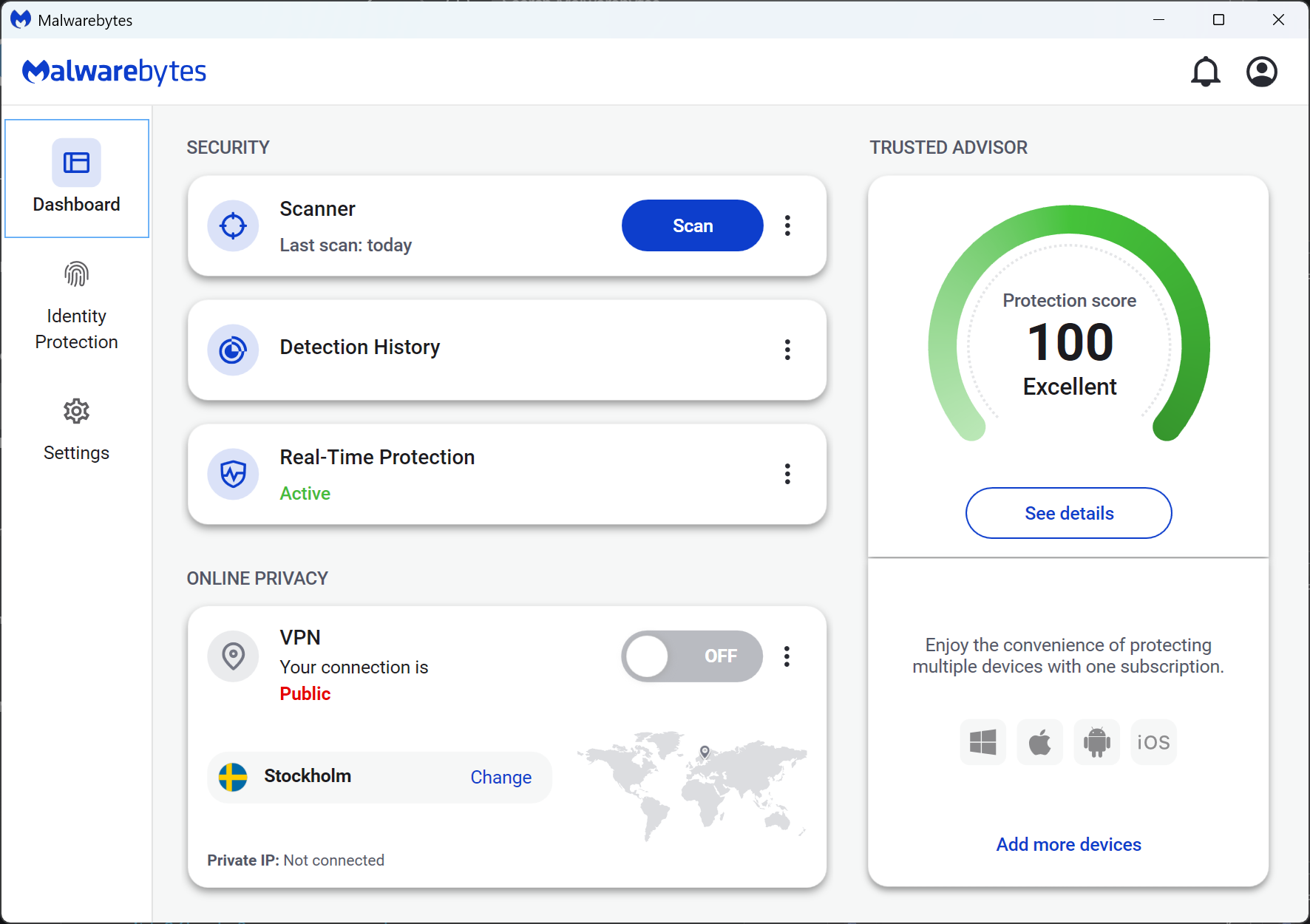
Steps
0. Download Malwarebytes
Skip this part if u already have Malwarebytes installed.
- Direct download link: MBSetup.exe
- (Optional) Script Premium Reset: Malwarebytes-Premium-Reset.bat
1. Close Malwarebytes
2. Spoof ‘MachineGuid’ in registry
- Press [Win] + [R]
- Paste the following command:
powershell -Command "New-Guid | ForEach-Object { Set-ItemProperty -Path 'HKLM:\SOFTWARE\Microsoft\Cryptography' -Name 'MachineGuid' -Value $_.Guid }" - Press [Enter]
3. Open Malwarebytes
4. Setup Malwarebytes
5. You did it
Your 14 days free trial has been reset.